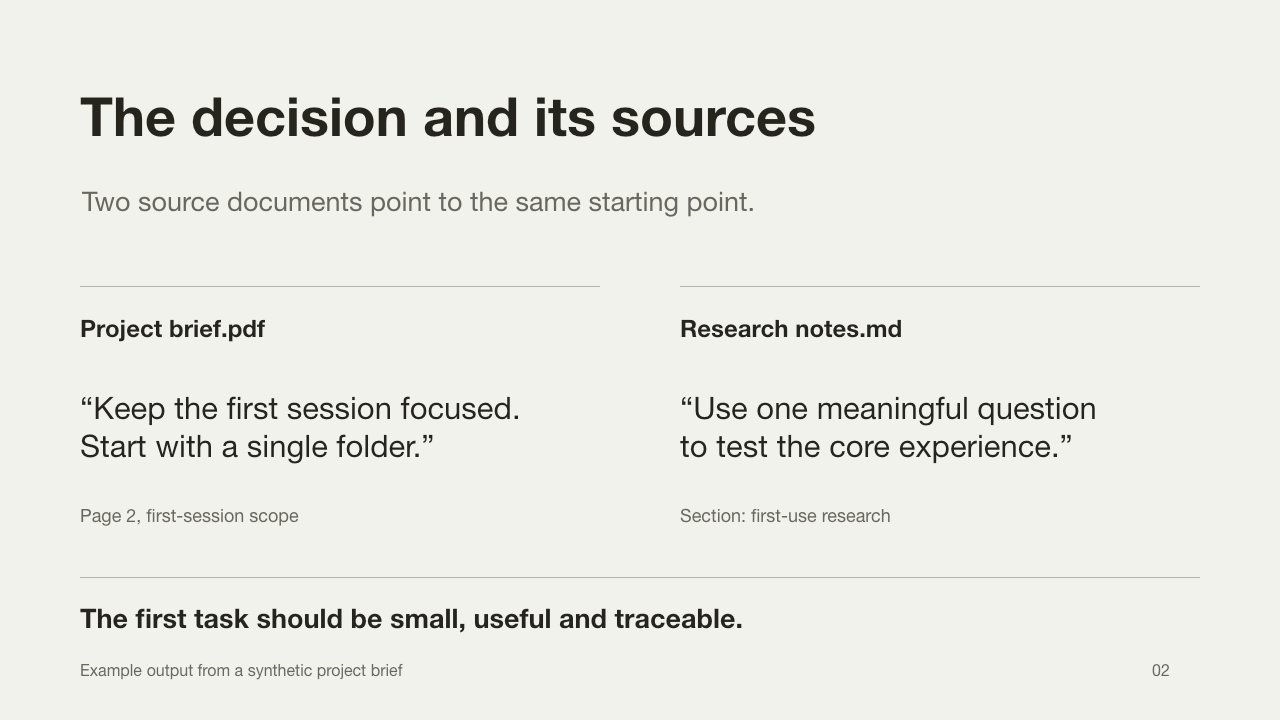
Project brief.pdf
The thinking
behind the work.
Start with one useful question. Keep the original sources close.
Your files, your screen, the way you work. ZoneX brings the context on your PC into one space, so your agent can understand you and work alongside you.
First public beta. Every registered user gets a complimentary plan.
The thinking
behind the work.
Start with one useful question. Keep the original sources close.
A thought worth
coming back to.
The details that make a project yours, ready for your next idea.
The short version first.
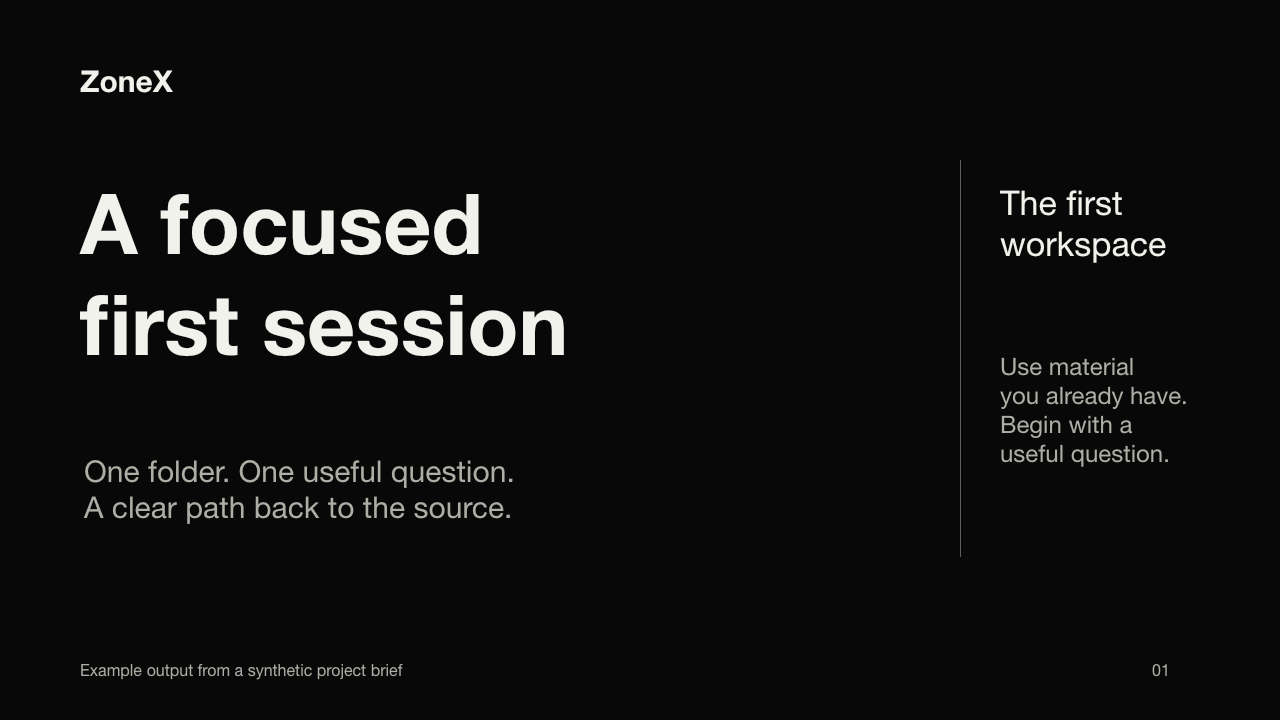
Start with a focused first session. Your project brief and research notes both point to one folder and one useful question.
The decision, with its evidence.
“Keep the first session focused. Start with a single folder.”
Page 2, first-session scope
“Use one meaningful question to test the core experience.”
Section: first-use research
Begin with one folder and one useful question. Keep the route back to the source.
Interactive illustration. Synthetic content, running only in this page.
A workspace gives your agent a place to look. Your files give it depth. Your conversations give it continuity. ZoneX brings them together into a space built around you.
Bring a question, a screen, or a project. Work with an agent that can use the context you choose to share.
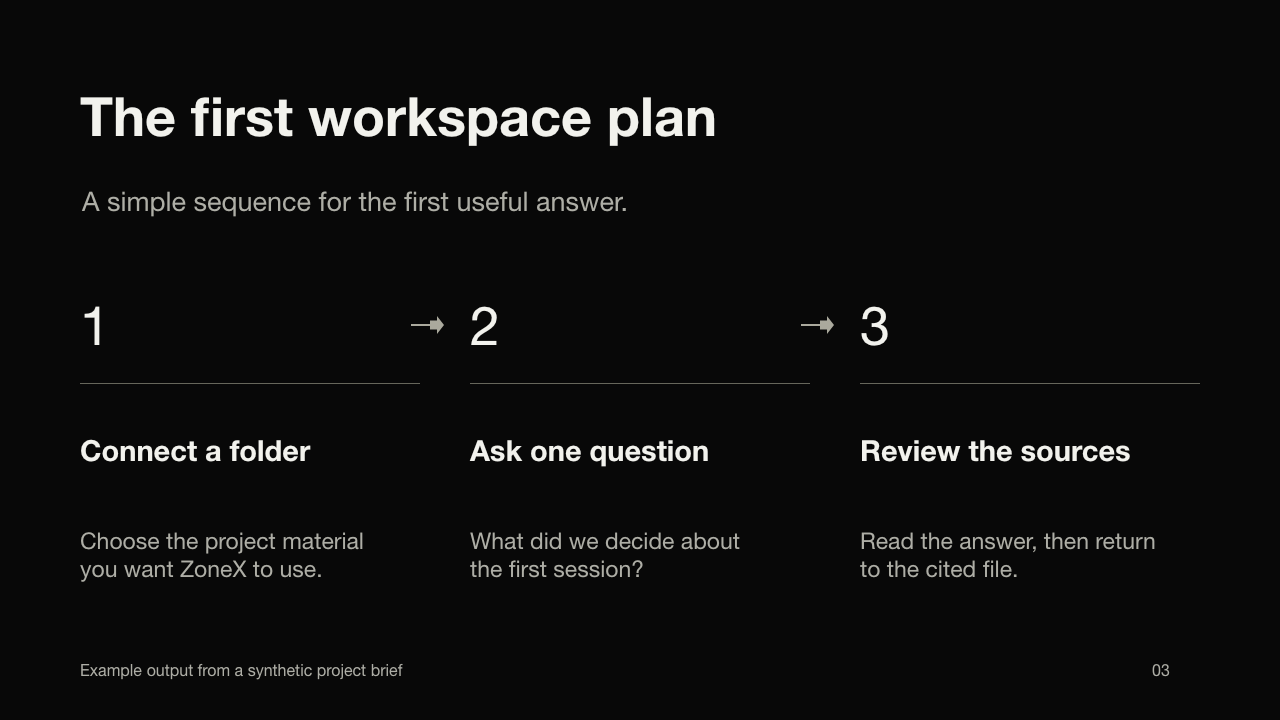
Connect the folders that matter to a workspace. Ask about what is inside your documents, connect the details, and follow an answer back to its source.
You choose the folders. Your original files stay in place.
Remember that I like the short version first.
What did we decide about this project?
The short version: begin with a focused first session. Here is the context behind that decision.
Project progress
Capture. Review. Add your question. Then send.
Project review
10:00Research discussion
14:00Your two events, organized into one weekly summary.
Methods, findings, and the evidence behind the idea.
Publication context and information you can trace.
Bring the evidence together. Keep the sources in view.
Your sources. Your preferences. Your way forward.
One continuous place to think and do, with ZoneX.
The first ZoneX public beta is open. Every registered user receives a complimentary beta plan to explore ZoneX for free.
Download the public betaFor every registered user.
Register inside the app after downloading. Plan allowances and duration will be announced separately.
Understanding your world starts with the context you share. Here is where it lives, and when it is sent for processing.
Source files, indexes, conversations and memories are stored locally. Workspaces access the folders you authorize.
Review memories. Follow sources. Ask ZoneX to forget.Relevant content is sent to ZoneX. Screenshots may be sent as task context. The service retains account and billing-usage records.
Computer and browser actions require their respective permissions.Local storage does not mean all processing is offline. AI file understanding and answers can send relevant excerpts to the service. Screenshots are sent when you send a screenshot message, and may be used during authorized computer tasks.
Computer interaction needs operating-system permissions. Browser interaction needs a connected extension and access setup. Memory is on by default; you can review its sources and ask to forget specific information.
This is a product privacy overview. The full legal policy will be published separately.
The first public beta is open. Your complimentary plan starts with an account in the app.
Verify download (SHA-256)Download the app, create your account, and receive your complimentary beta plan.